


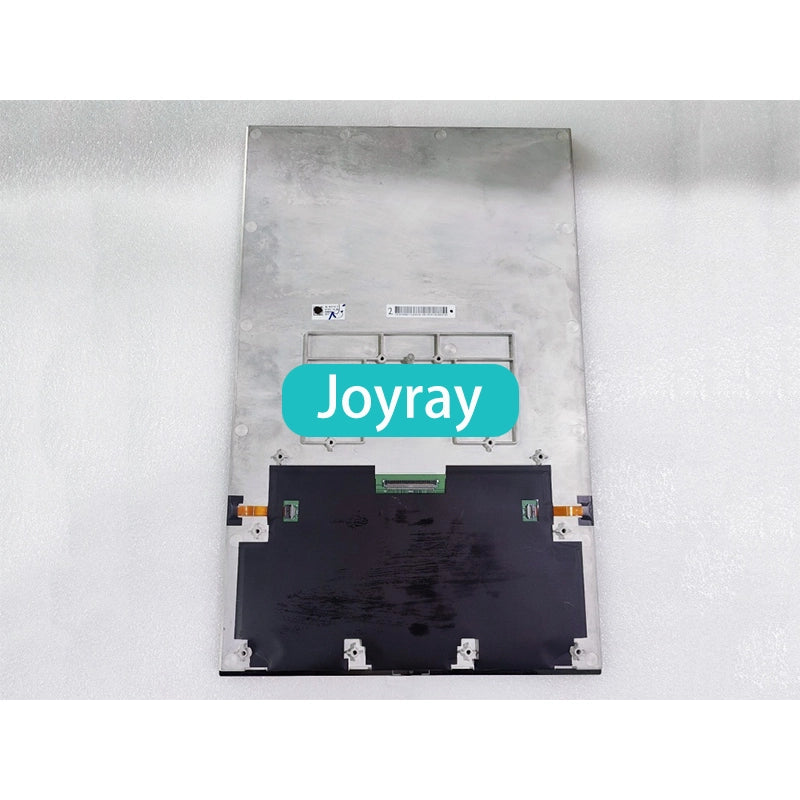
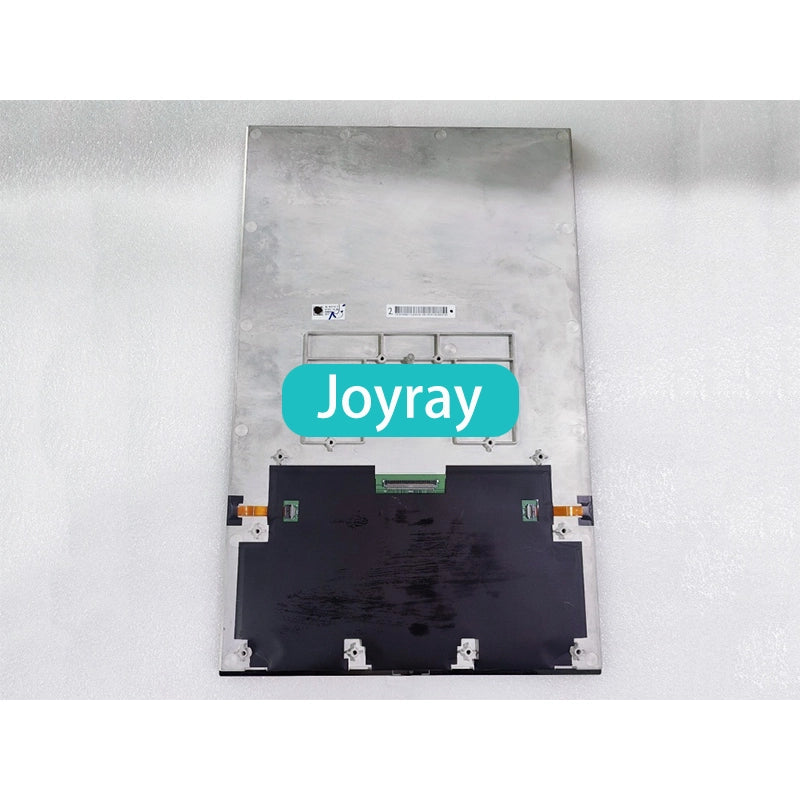
COG-PVLSZT153-01
Display Size: 17.6 inch
Resolution: 1600(RGB)×2560
Brightness: 1000 cd/m²
Frequency: 60Hz
Touch Screen: In-Cell Touch, I²C
Interface: eDP (4 Lanes), 64 pins Connector
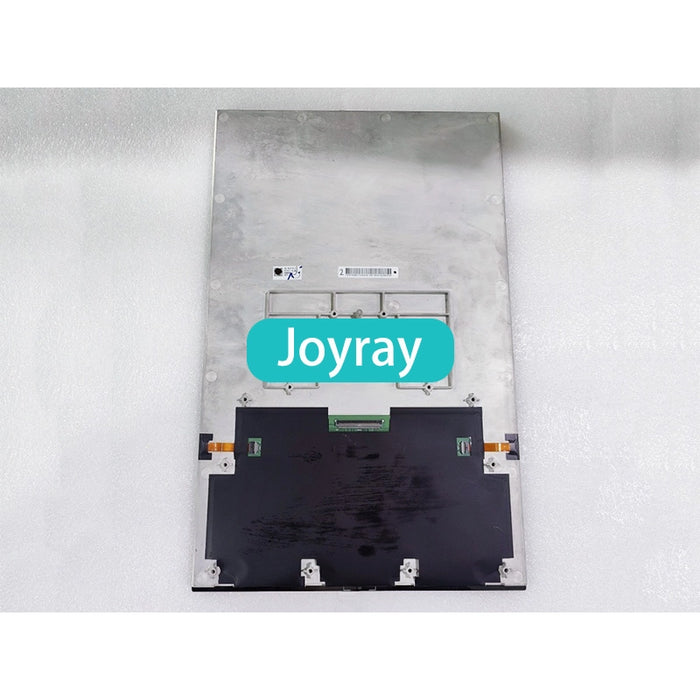
COG-PVLSZT153-01
Laptop LCD Screen FAQ
1. How can I confirm whether this screen is compatible with my laptop?
Before ordering, please compare the following specifications with your original screen:
- Screen model or part number
- Screen size
- Resolution
- Backlight type
- Connector type and number of pins
- Touchscreen or non-touchscreen
The same laptop model may use several different screens. Therefore, the laptop model alone may not be sufficient to confirm compatibility.
2. What should I do if I do not know my original screen model?
Please contact us and provide:
- A clear photo of the laptop model label on the bottom cover
- A clear photo of the label on the back of the original screen
- A photo showing the screen connector and its location
- Any available information about the screen size, resolution, and touch function
Our support team will help you identify the correct replacement screen.
3. Why must the connector pins match?
The connector type and pin count must match your original screen. For example, if this product uses a 30-pin connector, your original screen must also use the corresponding 30-pin connection. Otherwise, the screen may not fit or function properly.
4. Can I use a screen with a different resolution?
No. The replacement screen should match the original screen’s resolution, size, backlight type, connector, and touch capability. A screen with different specifications may not work with your laptop.
5. Are touchscreen and non-touchscreen models interchangeable?
Usually not. Please confirm whether your original screen supports touch functionality and order the same type. Unless specifically stated, an LCD screen does not include a separate touchscreen or touch digitizer.
6. Why might the screen model I receive differ from the model shown?
Depending on stock availability and production batches, we may ship a tested compatible model. The model number, label, manufacturer, or minor outline details may vary, while the essential specifications and functionality remain compatible.
7. Is the LCD screen brand new?
Yes. The product is a brand-new LCD screen supplied for use as a compatible replacement.
8. Is the screen tested before shipment?
Yes. Each screen is tested before shipment. Testing may cover:
- Display functionality
- Brightness
- Color uniformity
- Flickering
- Pixel performance
The applicable pixel policy follows relevant ISO standards.
9. Are dead pixels covered by the warranty?
Pixel quality is assessed according to the applicable ISO pixel policy. Under some ISO standards, a small number of dead or defective pixels may fall within the acceptable range.
If you notice a pixel issue, please send us clear photos or a video so that our support team can review it according to the published pixel policy.
10. What is included in the package?
The standard package normally includes one brand-new LCD screen only.
Unless specifically stated, the following items are not included:
- LCD cable
- Control board
- Touchscreen or digitizer
- Bezel
- Back cover
- Hinges
- Installation instructions
- Other laptop parts
Please keep and reuse the original parts from your laptop.
Complimentary adhesive tape or installation tools are included only when specified in the product listing.
11. Can I install the screen myself?
LCD screens are fragile components, and replacement requires laptop repair experience. Professional installation is strongly recommended.
If you are unfamiliar with laptop disassembly or display cable connections, please do not attempt the installation yourself. Incorrect installation may damage the screen or other electronic components.
12. What should I do before installation?
Before installing the screen:
- Shut down the laptop completely.
- Disconnect the AC power adapter.
- Remove the battery or disconnect the battery from the motherboard.
- Check the connector direction before attaching the display cable.
- Test the screen before completing the final assembly.
Connecting or disconnecting the screen cable while power is present may damage the screen, motherboard, or other components.
13. Should I test the screen before completing the installation?
Yes. Please inspect the packaging and screen for visible damage first. Connect and test the screen before removing all protective films, applying adhesive tape, or completing the final assembly.
If you notice damage, flickering, display abnormalities, or other problems, keep all packaging materials and contact us with clear photos or a video.
14. How is the screen protected during shipping?
The screen is packed with multiple layers of shock-absorbing foam and a rigid outer carton to help protect it from pressure, vibration, and impact during transportation.
If the package arrives seriously damaged, please photograph the outer packaging before opening it.
15. What is the warranty period?
This product includes a 【3-month / 180-day — please confirm】 warranty.
If the screen develops a non-user-caused defect during the warranty period, please contact us with your order information and clear photos or videos of the problem. After verification, we may provide a replacement, refund, or another appropriate solution.
Damage caused by incorrect installation, powered connection or disconnection, reversed cables, pressure, impact, or unauthorized modification is generally not covered.
16. What should I do if the screen does not work after installation?
Please check the following:
- The screen specifications match the original screen
- The connector type and pin count are correct
- The display cable is fully inserted and properly secured
- The battery and power connections have been restored correctly
- The screen was not bent, pressed, or damaged during installation
If the problem continues, please contact us and provide photos of the screen label, connector, installation, and displayed fault.
17. Can I order LCD screens in bulk?
Yes. We normally carry a wide range of popular LCD screens in sizes from approximately 7 inches to 23.8 inches.
For bulk orders or specific model requirements, please contact our customer service team to confirm specifications, quantities, and availability.
Didn’t find your answer?
Do not hesitate to contact us.
CONTACT JOYRAY
Need Help Choosing the Right Display?
Tell us the product type, required size, interfaces, quantity, destination country and application. We will help confirm the configuration and provide a quotation.
Retail orders, customized projects and wholesale inquiries are welcome.