


LCD Display Troubleshooting & Screen Support
Start with the full LCD panel model and suffix. Screen size alone does not confirm that a replacement LCD display is compatible.
1. Check the original LCD screen label
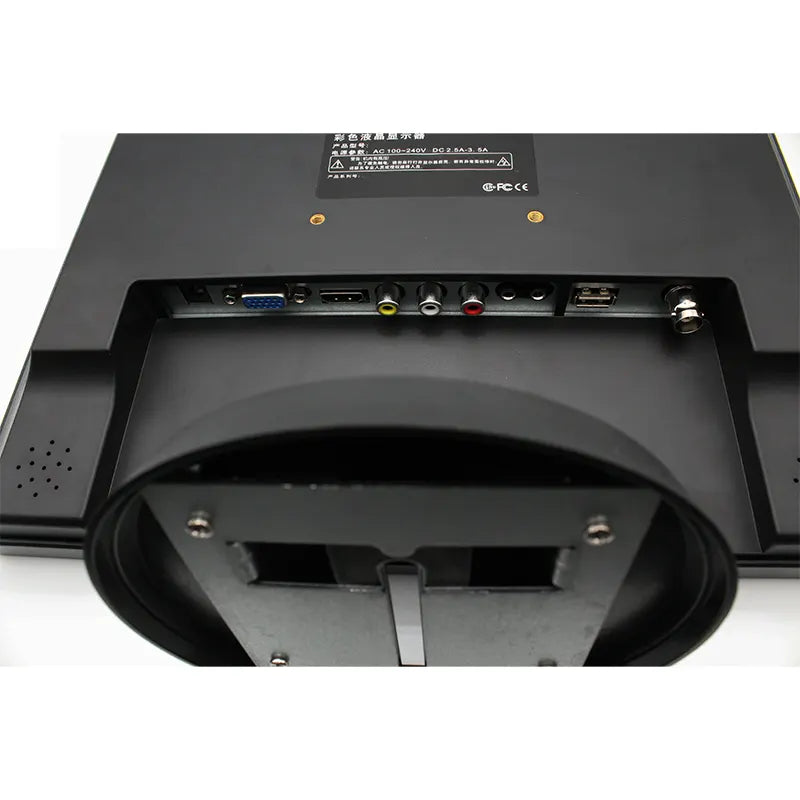
Record the complete model code, resolution, interface, connector position and mounting details. Keep a clear photo of the original label and compare these details with the selected replacement panel.
2. If the display has no image
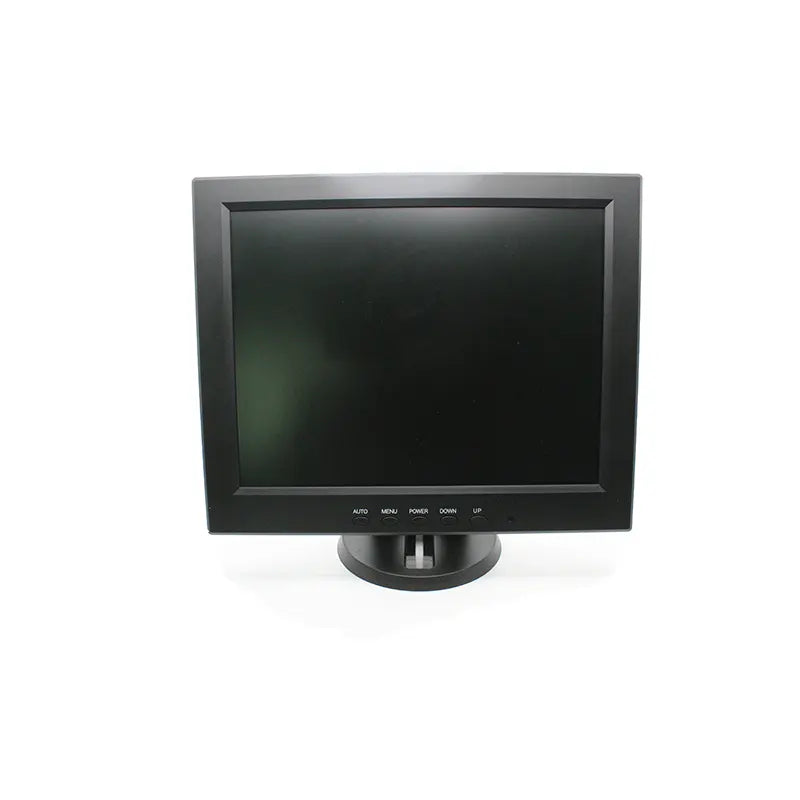
For an assembled monitor, check the power connection and selected video input using the product instructions. Turn off power before inspecting or reconnecting cables. A bare LCD panel needs compatible control electronics and the specified power supply; do not guess the voltage or force a connector.
3. If you see lines, flickering or incorrect colours
Take clear photos or a short video of the symptom and note when it occurs. Check that the cable and controller are intended for the exact panel model. Stop using the unit if there is visible damage, unusual heat or a burning smell.
4. Get help with your LCD display
Send the full panel model, order reference, label and connector photos, and a short description of the issue. Contact JOYRAY screen support or browse LCD display panels.