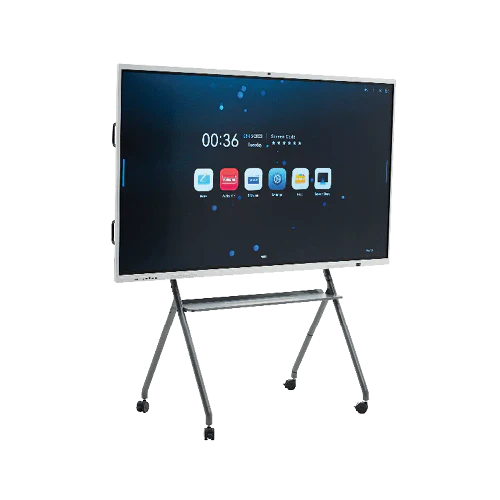
This guide, provided by our sales managers, recommends digital whiteboards to users based on their meeting room size and usage environment, specifically for small businesses.
Remote working and cross-departmental collaboration, presentations and brainstorming sessions—hybrid meetings have become standard practice for small businesses. Therefore, a key factor is particularly prominent in today's purchasing decisions:
“Will this digital whiteboard work seamlessly with Zoom and Microsoft Teams?”
This guide will explain what true compatibility means, which hardware and technical features to focus on, and how to avoid common integration pitfalls when choosing a digital whiteboard for small business collaboration.
Why Zoom & Teams Compatibility Is a Core Buying Requirement
For small businesses, collaboration tools must:
- Support remote video conferencing and cross-departmental collaboration
- Reduce the complexity of cable management for computers, phones, tablets, and projectors
- Ensure stable and reliable integration of video playback, annotation, writing, and page turning functions, eliminating the need for frequent troubleshooting
A digital whiteboard that does not integrate natively with Zoom or Microsoft Teams quickly becomes a bottleneck instead of a productivity tool.
This is why buyers evaluating the
👉 best digital whiteboard for small business
now prioritize conferencing compatibility over optional features.
What “Compatible with Zoom & Microsoft Teams” Really Means
Not all “compatible” claims are equal.
Basic Compatibility (Often Misleading)
- Screen sharing via laptops, phones, and tablets
- Support for built-in and external cameras and microphones
- No native file annotation synchronization supported
True Digital Whiteboard Compatibility
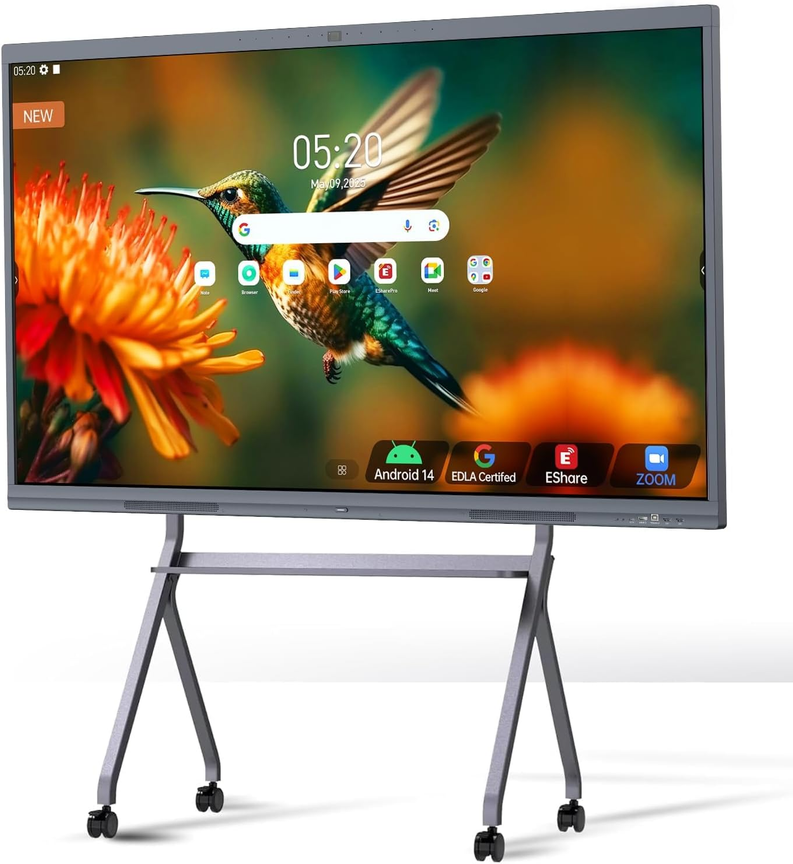
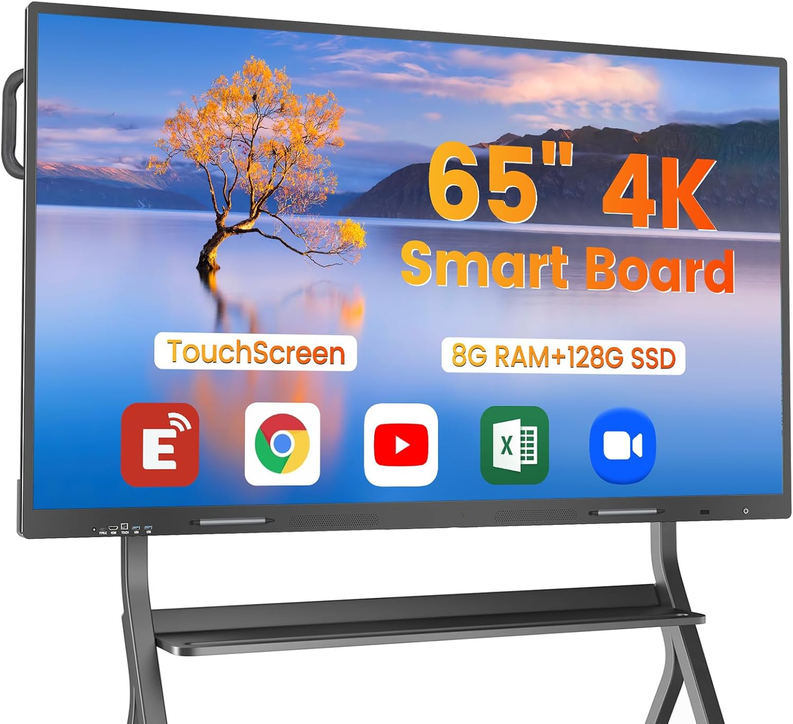
- Built-in Zoom & Teams apps (Android / Windows OPS)
- Direct annotation during live meetings
- One-touch meeting join
- Whiteboard content visible to remote participants in real time
Only system-level digital whiteboards deliver this experience.
Key Technical Requirements for Native Integration
1. Embedded Operating System
Joyray Professional Digital Whiteboard includes:
- Android system (for native apps)
- Optional Windows OPS module
This enables direct installation and execution of Zoom and Teams—without relying on external PCs.
2. Touch & Annotation Synchronization
During cross-departmental collaboration and remote meetings, users must be able to:
- Write directly on shared content
- Annotate slides or documents
- See annotations synced to remote participants instantly
This is a critical difference between:
👉 digital whiteboard software vs interactive display
3. Integrated Camera, Microphone & Speakers
True meeting-room readiness requires:
- Wide-angle 4K camera
- Echo-canceling microphone array
- Front-facing speakers optimized for speech
External peripherals increase failure points and reduce adoption.
Comparison Table: Zoom & Teams Support
|
Feature |
Consumer Touch Display |
Interactive Display |
Digital Whiteboard |
|
Native Zoom app |
No |
Sometimes |
Yes |
|
Native Teams app |
No |
Sometimes |
Yes |
|
One-touch meeting join |
No |
No |
Yes |
|
Live annotation sync |
No |
Partial |
Yes |
|
Built-in camera & mic |
No |
Optional |
Yes |
|
Designed for hybrid meetings |
No |
Limited |
Yes |
Only digital whiteboards are built specifically for Zoom & Teams–based hybrid collaboration.
Common Mistakes Small Businesses Make
Mistake 1: Relying on Laptop Screen Sharing
This limits:
- Touch interaction
- Annotation ownership
- Meeting flow
Mistake 2: Buying “Zoom-compatible” Displays
Many displays only support Zoom through an external PC, not natively.
Mistake 3: Ignoring OS Lifecycle Support
Outdated Android or Windows versions break app compatibility within 2–3 years.
Why Integrated Whiteboards Reduce IT Overhead
From deployment data, integrated systems:
- Reduce meeting setup time by 40–60%
- Lower support tickets related to AV issues
- Improve user adoption across non-technical staff
For teams that also use whiteboards for:
👉 brainstorming and project planning
native integration becomes even more critical.
Security & Admin Control (Often Overlooked)
Business-grade digital whiteboards support:
- App permission control
- System lock-down modes
- OTA firmware updates
- Device management (MDM optional)
These are essential for Teams-based environments in regulated or IP-sensitive industries.
Manufacturer Perspective on Integration Reliability
As a digital whiteboard manufacturer, we ensure:
- Certified Zoom & Teams app compatibility
- Long-term OS support planning
- Thermal testing for all-day video meetings
- Stability validation under continuous touch + video load
Our systems are designed for daily, multi-hour conferencing, not occasional presentations.
FAQ: Digital Whiteboards for Zoom & Teams
Can I run Zoom directly on a digital whiteboard?
Yes—professional digital whiteboards support native Zoom apps via Android or Windows OPS.
Do Teams annotations sync in real time?
On true digital whiteboards, yes. Annotations appear instantly for remote participants.
Is an OPS computer required?
Optional. Android-only systems work for most cases, while OPS adds advanced Teams features.
Can one whiteboard support multiple platforms?
Yes. A single device can support Zoom, Teams, Google Meet, and wireless casting.
Who Should Prioritize Zoom & Teams Integration?
This cluster is most relevant for:
- Small businesses with hybrid teams
- Training-heavy organizations
- Client-facing meeting rooms
- Growing companies standardizing on Microsoft 365
It directly supports earlier clusters on:
- Collaboration problems
- Software vs hardware decisions
- Cost & long-term ROI