




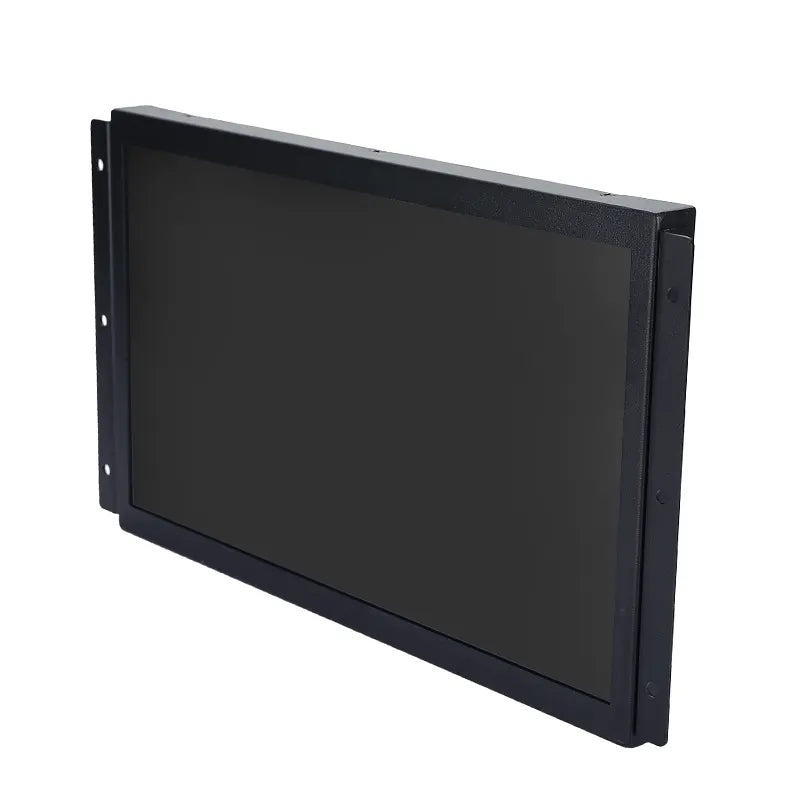
Digital whiteboards have evolved from simple presentation tools into mission-critical collaboration platforms for meeting rooms, research presentation halls, command centers, classrooms, hospitals, seminar environments, and industrial settings.
For decision-makers evaluating the best digital whiteboards for large or small enterprises, understanding their long-term reliability, integration capabilities, and total cost of ownership is essential.
As a manufacturer of professional collaboration displays, this digital whiteboard buyer’s guide is based on real-world deployments, factory test data, and lifecycle management experience.
What Is a Digital Whiteboard?
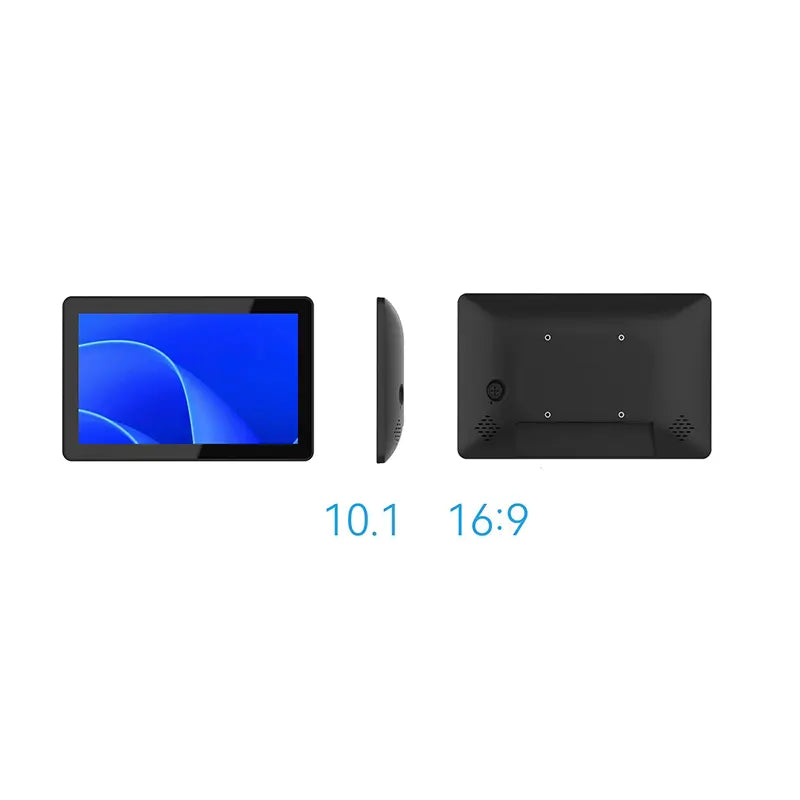
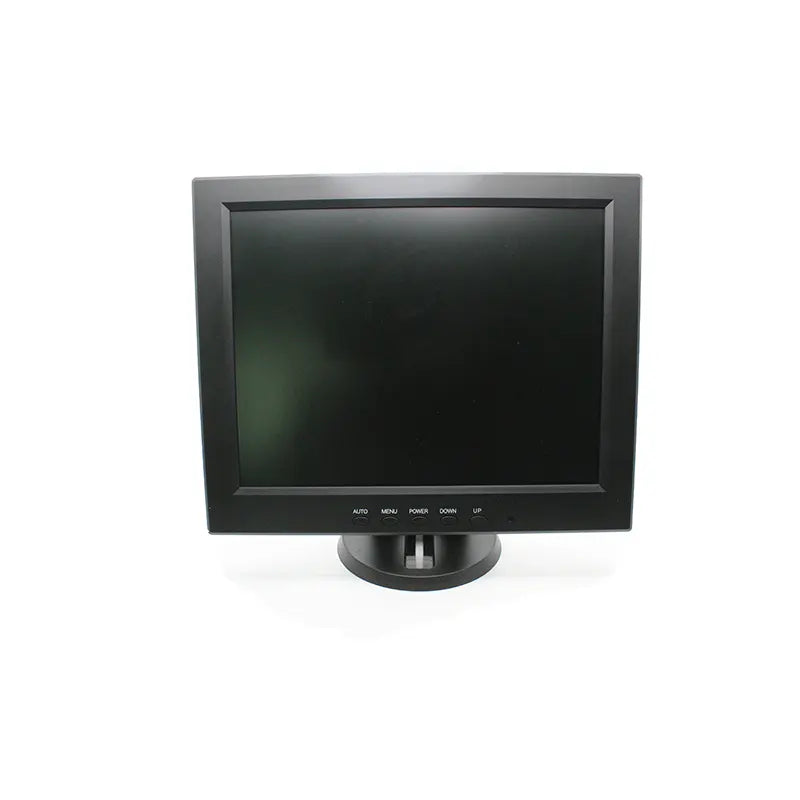
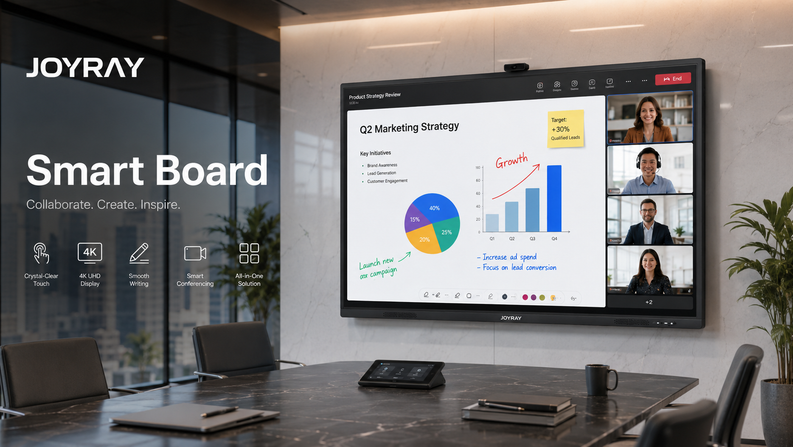
A digital whiteboard is an interactive display device that integrates a touchscreen, embedded computing, wireless content sharing, audio system, camera, writing surface, and collaboration software.
Compared to traditional displays, professional digital whiteboard solutions enable teams to:
ü Write and annotate directly on the screen
ü Collaborate in real time across different locations
ü Run whiteboard and meeting software locally
ü Reduce setup time and IT hassles
ü Presentation and brainstorming capabilities
ü Screen mirroring from mobile phones, computers, and tablets
ü Meeting content can be downloaded via QR code
ü Remote video conferencing
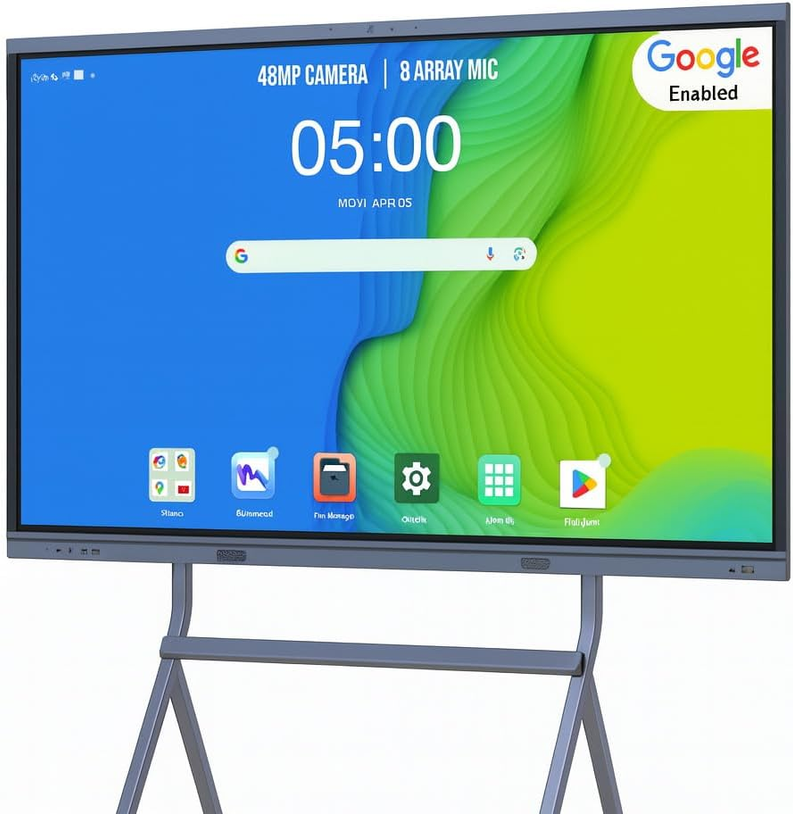
ü Comes with Android, Google, and Windows operating systems
Why Digital Whiteboards Are Replacing Traditional Meeting Room Displays
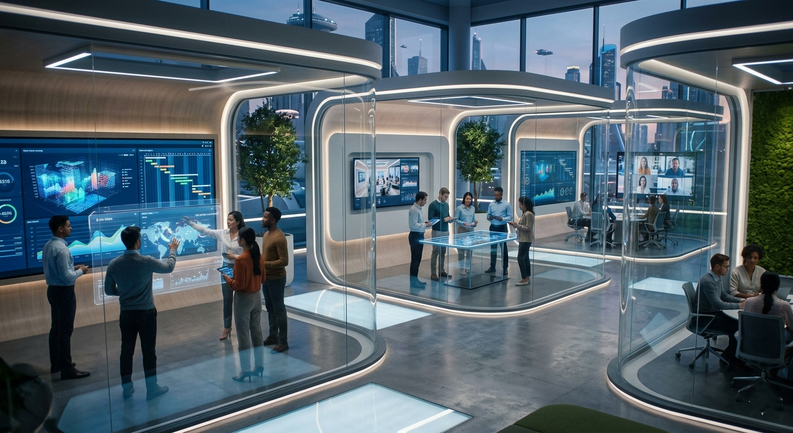
More and more businesses, schools, hospitals, and training institutions are adopting digital whiteboards because they can solve collaboration challenges that projectors and ordinary displays cannot.
For distributed organizations, [digital whiteboards for remote teams] can significantly reduce communication barriers between on-site and remote participants.
In hybrid work environments, [digital whiteboards for hybrid work] can ensure that brainstorming, annotation, presentations, and decision-making processes remain inclusive.
Digital Whiteboard vs Traditional Projector vs Interactive Flat Panel
Many users typically compare [interactive display vs digital whiteboard] before purchasing, to understand the differences in their functionalities.
|
Feature |
Digital Whiteboard |
Projector + Screen |
Standard Interactive Flat Panel |
|
Touch Interaction |
Multi-touch (20–40 points) |
Not supported |
Limited |
|
Image Quality |
4K UHD |
Degrades over time |
4K UHD |
|
Hybrid Collaboration |
Native |
External devices |
Partial |
|
Maintenance |
Low |
High |
Medium |
|
Lifecycle |
7–10 years |
3–5 years |
5–7 years |
Buyers evaluating [digital whiteboard software vs interactive display] options should note that hardware-based systems deliver lower long-term risk in professional environments.
Key Buying Factors When Choosing a Digital Whiteboard
Screen Size & Resolution
- Small rooms: 55″–65″
- Medium rooms: 75″
- Large rooms: 86″–98″
When selecting a digital whiteboard, key considerations should include viewing distance and room layout.
Video Conferencing Integration
Modern deployments require seamless compatibility with Zoom and Microsoft Teams.
Choosing a [digital whiteboard compatible with Zoom and Microsoft Teams] eliminates the need for external PCs and cables.
All-in-One Digital Whiteboard vs Conference All-in-One Device
When our users are making purchasing decisions, their first question is whether they should choose a digital whiteboard or dedicated video conferencing equipment.
|
Use Case |
All-in-One Digital Whiteboard |
Conference All-in-One Device |
|
Touch Collaboration |
Yes |
Limited |
|
Whiteboard Software |
Native |
No |
|
Video Conferencing |
Optional |
Core function |
|
Best For |
Collaboration-first rooms |
Video-first rooms |
Our [all-in-one digital whiteboard] combines touch interaction, wireless sharing, whiteboard writing, annotation, file generation with QR code download, and optional camera/microphone modules into a single enterprise-grade platform.
Let us help you overcome the difficulties of choosing the right size and features; please refer to our detailed comparison analysis of [conference all-in-one device vs digital whiteboard].
Digital Whiteboards for Different Industries
Business & Corporate Offices
Small and medium-sized enterprises (SMEs) benefit from [digital whiteboards suitable for small businesses], reducing the need for projectors, audio equipment, and computers for meeting preparation. This shortens meeting times and improves decision-making clarity.
Education
Educational institutions adopt [education smart board] solutions, enabling multi-user writing, lesson saving, real-time teacher annotations, video teaching, and interactive learning.
Healthcare
Hospitals rely on [medical smart board] systems equipped with anti-glare glass, high brightness, remote medical guidance, and stable long-term supply.
Industrial Environments
Factories and control rooms require [industrial smart board] solutions with fanless cooling, metal casings, and vibration resistance.
Digital Whiteboard Pricing: What Determines Cost?
When we create budget plans for our users, we include not only hardware costs but also lifecycle costs.
We detail this in our [digital whiteboard pricing for small business] guide.
Pricing Factors Table
|
Factor |
Impact |
|
Screen size |
High |
|
Touch technology |
Medium |
|
OPS computing |
High |
|
Industry-grade design |
High |
Understanding [what digital whiteboards cost for offices] helps avoid under-specification or future replacement.
Why Buyers Trust Our Digital Whiteboards
Factory & Manufacturing Control
- ISO certified production
- I In-house assembly of LCD screens, driver boards, power cycle testing, and aging tests
- High-quality supplier selection and component traceability
Reliability & Testing
- 24-72 hour aging and 2000 power cycle tests
- Touch accuracy calibration, I/O interface testing, and external accessory compatibility testing
- Thermal performance of cooling components and electromagnetic interference verification of touchscreens
Lifecycle Control
- Use of industrial-grade panels from AUO and BOE
- Long-term use of Rockchip (RK) chipsets
- 5-10 years of stable supply of ICs and LCD panels
These practices ensure our complete guide to digital whiteboards is grounded in real manufacturing capability—not marketing theory.
FAQ
What is the best digital whiteboard for small business?
The best option balances 4K resolution, responsive touch, built-in collaboration software, and low maintenance cost. A 65″–75″ business-grade digital whiteboard is typically ideal.
Can digital whiteboards be used for remote meetings?
Yes. [digital whiteboards for remote teams] support real-time annotation, screen sharing, and video conferencing.
How long do digital whiteboards last?
Commercial digital whiteboards are designed for 30,000–50,000 hours, equivalent to 7–10 years of professional use.
Final Thoughts
Choosing the right digital whiteboard is a long-term infrastructure decision.
Organizations evaluating the best digital whiteboard for small business should prioritize reliability, lifecycle stability, and vendor manufacturing capability over short-term pricing.


Leave a comment