One of the most common questions we hear from buyers is deceptively simple:
“Do we need digital whiteboard software, or do we need a digital whiteboard?”
For small businesses, this confusion often leads to overbuying software, under-specifying hardware, or deploying tools that fail under daily use.
This guide explains the real difference between digital whiteboard software vs interactive display, when each makes sense, and why many growing businesses ultimately choose an integrated digital whiteboard system.
Why This Confusion Exists
Search results often mix:
- Whiteboard software (apps)
- Interactive flat panels
- Consumer touch displays
- Professional digital whiteboards
From a manufacturer’s perspective, these are very different products with very different outcomes.
Understanding the distinction is critical when evaluating the
👉 best digital whiteboard for small business.
What Is Digital Whiteboard Software?
Digital whiteboard software refers to applications that run on:
- PCs or laptops
- Tablets
- Mobile devices
Typical Capabilities
- Drawing and annotation tools
- Templates for brainstorming
- Cloud saving and sharing
Limitations for Small Businesses
- Requires laptops or tablets for interaction
- Limited natural writing experience
- Poor room-scale collaboration
- Depends heavily on user devices and IT setup
Software works well for individual or remote-only work, but often breaks down in shared physical spaces.
What Is an Interactive Display?
An interactive display is a touch-enabled screen that allows basic interaction.
Typical Characteristics
- Touch input support
- External PC or device required
- Limited or no embedded software
Many interactive displays are essentially large touch monitors, not collaboration systems.
This is why buyers often struggle when comparing
👉 interactive display vs digital whiteboard.
What Is a Digital Whiteboard (System-Level View)
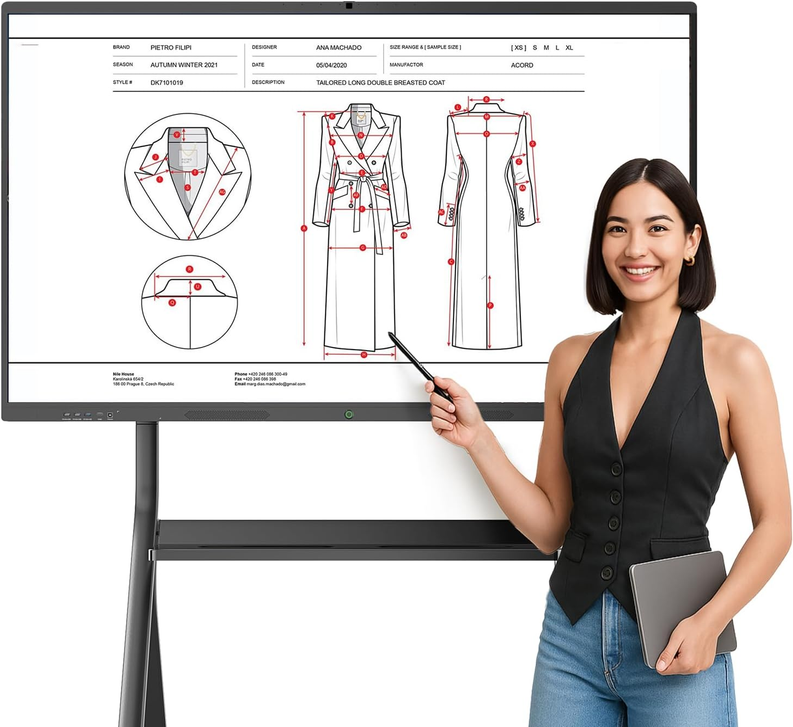
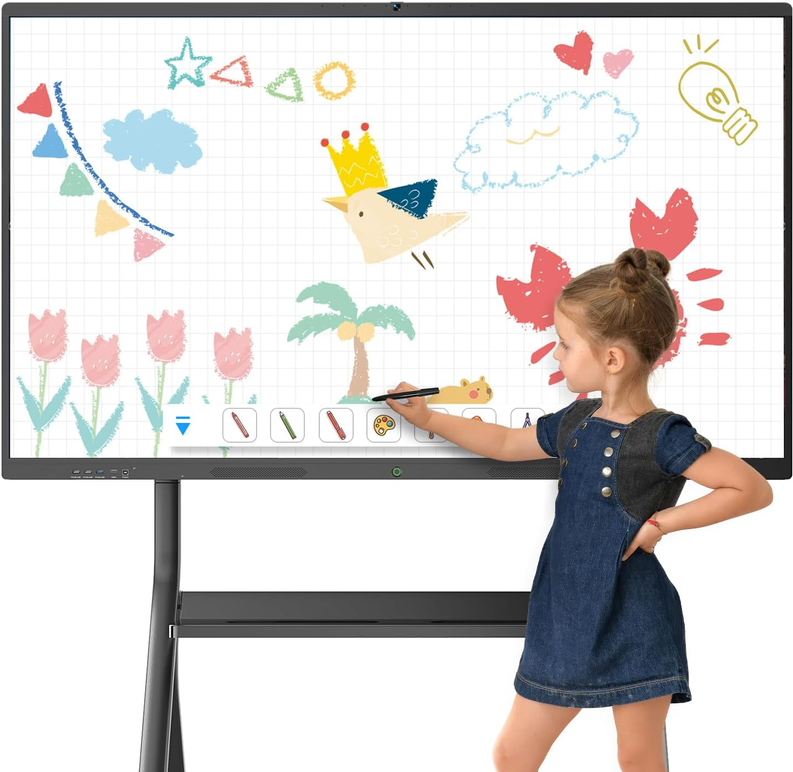
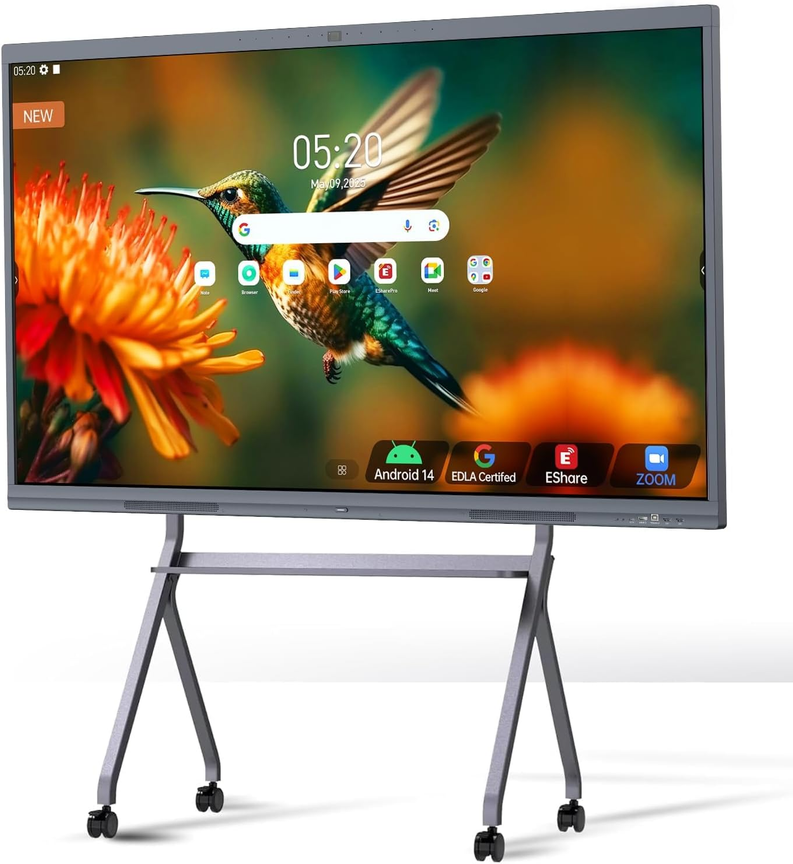
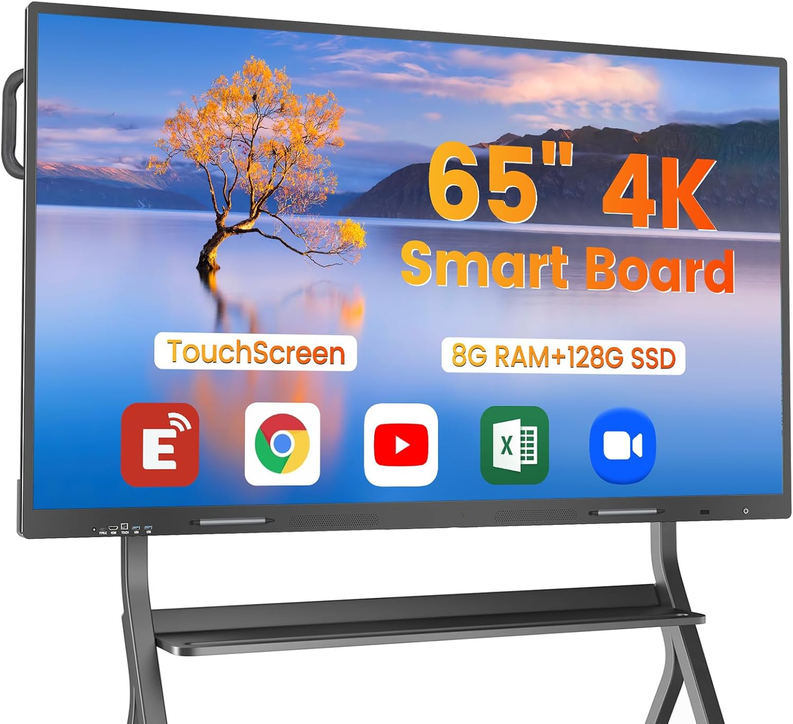
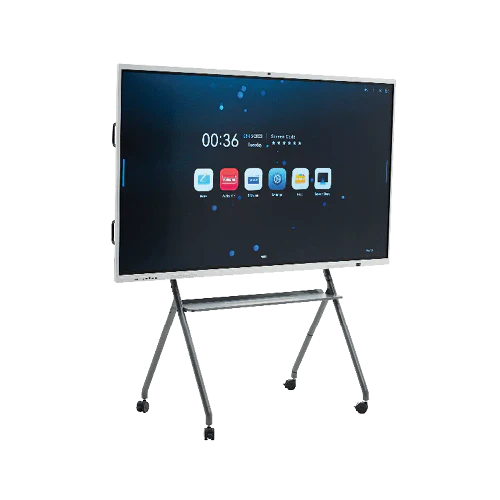
The Joyray Digital Whiteboard is a fully integrated collaboration system, not just hardware or software.
Core Components
- Commercial-grade 4K touch display
- Embedded operating system (Android / OPS Windows)
- Native whiteboard software
- Wireless sharing and collaboration tools
- Optional video conferencing integration
This integration is what enables reliable daily collaboration in real meeting rooms.
Digital Whiteboard Software vs Interactive Display vs Digital Whiteboard
Comparison Table
|
Feature |
Whiteboard Software |
Interactive Display |
Digital Whiteboard |
|
Natural writing |
Limited |
Yes |
Yes |
|
Room-scale collaboration |
No |
Partial |
Yes |
|
Works without laptops |
No |
No |
Yes |
|
Built-in whiteboard tools |
Yes |
No |
Yes |
|
Hybrid meeting support |
Partial |
Limited |
Native |
|
Designed for daily business use |
No |
Mixed |
Yes |
Summary:
Whiteboard software solves individual tasks.
Interactive displays enable touch.
Digital whiteboards solve collaboration.
Why Software-Only Solutions Often Fail in Meeting Rooms
From deployment feedback, software-only setups struggle with:
- Device switching delays
- Compatibility issues
- Poor handwriting experience
- Lack of shared ownership of content
In contrast, the Joyray digital whiteboard for small business collaboration provides a neutral, shared workspace that does not depend on any single person’s laptop.
👉 For collaboration use cases, see
digital whiteboard for small business collaboration.
Hardware Matters More Than Buyers Expect
Many buyers assume “a screen is a screen.”
In reality, hardware quality directly affects collaboration quality.
Key Hardware Factors
- Touch latency and accuracy
- Panel brightness and glare control
- Thermal stability (fanless design)
- Daily operating lifespan
Consumer-grade or lightly modified displays often fail when used 8–12 hours per day.
When Software Makes Sense — and When It Doesn’t
Software-First Is Suitable When:
- Work is fully remote
- Collaboration is individual or asynchronous
- Budget is extremely limited
Digital Whiteboard Is Better When:
- Meetings happen in physical rooms
- Teams brainstorm visually
- Training or planning is frequent
- Hybrid participation is required
This is why many buyers eventually move from software to hardware-based solutions.
Integration with Zoom & Microsoft Teams
Whiteboard software often depends on screen sharing, while digital whiteboards integrate directly into meetings.
Choosing a
👉 digital whiteboard compatible with Zoom and Microsoft Teams
ensures annotation, sharing, and discussion happen in one environment—without switching tools.
Long-Term Cost & Risk Considerations
Software-Heavy Approach
- Ongoing subscription costs
- Device dependency
- Inconsistent user experience
Digital Whiteboard Approach
- One-time hardware investment
- Lower IT overhead
- Predictable lifecycle
As a manufacturer, we design systems to remain stable and supported for 5–10 years, which is critical for small businesses planning growth.
FAQ: Software vs Digital Whiteboard
Is digital whiteboard software enough for small businesses?
It can be for remote-only teams, but it often fails in physical meeting rooms where natural writing and shared interaction are needed.
Can an interactive display replace a digital whiteboard?
Not fully. Interactive displays lack integrated collaboration software and meeting-room optimization.
Why do digital whiteboards cost more than software?
Because they combine commercial-grade hardware, embedded systems, and collaboration software into one reliable platform.
Do digital whiteboards still use software?
Yes. Digital whiteboards include software—but it is optimized for large screens, touch input, and group collaboration.
Final Recommendation
If collaboration happens in a room, involves multiple people, or includes remote participants, software alone is not enough.
A digital whiteboard provides the lowest-friction, highest-reliability collaboration experience for growing businesses.
This page supports our main guide on selecting the
👉 best digital whiteboard for small business
and complements our clusters on pricing, collaboration, and hybrid work.