




The Complete Guide to Interactive Whiteboards for Business and Industrial Applications
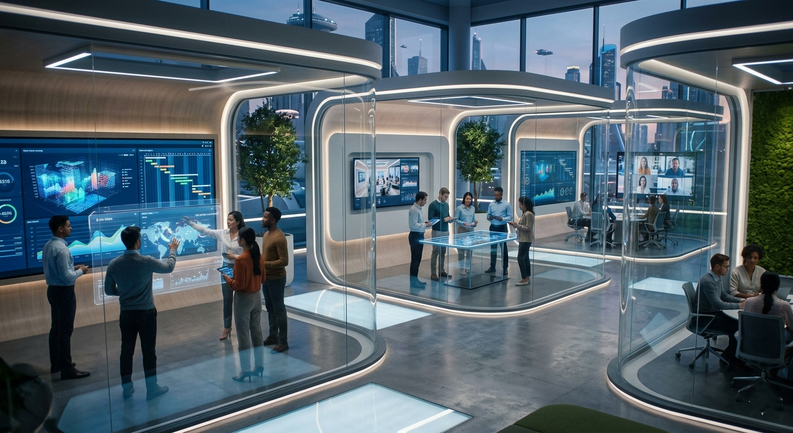
Interactive whiteboards have evolved far beyond classroom tools. Today, they serve as powerful collaboration hubs in corporate offices, industrial environments, control rooms, and smart meeting spaces.
For buyers, system integrators, and industrial solution providers, choosing the right interactive whiteboard is no longer just about display size—it’s about performance, integration, durability, and long-term ROI.
This guide provides a comprehensive, end-to-end understanding of interactive whiteboards, helping you evaluate, compare, select, and implement the right solution for your business.
What Is an Interactive Whiteboard?
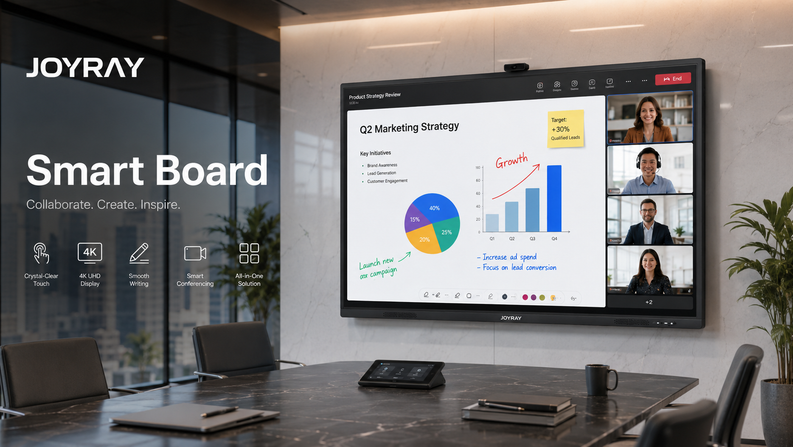
An interactive whiteboard (IWB) is a large touch-enabled display system that allows users to interact directly with digital content using fingers, styluses, or other input devices.
Unlike traditional whiteboards, IWBs integrate:
· Touchscreen technology
· Embedded computing systems
· Collaboration software
· Wireless connectivity
They function as centralized communication platforms, enabling real-time collaboration, data visualization, and interactive presentations.
👉 Learn more:What is an Interactive Whiteboard?
Key Features of Modern Interactive Whiteboards
Modern interactive whiteboards are sophisticated systems combining hardware and software to support demanding business environments.
Multi-Touch Technology
Advanced touch capabilities allow multiple users to interact simultaneously. This is essential for:
· Team collaboration
· Engineering reviews
· Training sessions
Technologies include:
· Capacitive touch (high precision)
· Infrared touch (cost-effective, scalable)
Ultra HD (4K) Display Resolution
High-resolution displays ensure clarity when presenting:
· CAD drawings
· Data dashboards
· Technical schematics
For industrial applications, readability under varying lighting conditions is critical.
Wireless Collaboration
Modern IWBs support wireless screen sharing via:
· Wi-Fi
· Bluetooth
· LAN-based casting
This eliminates cable clutter and improves meeting efficiency.
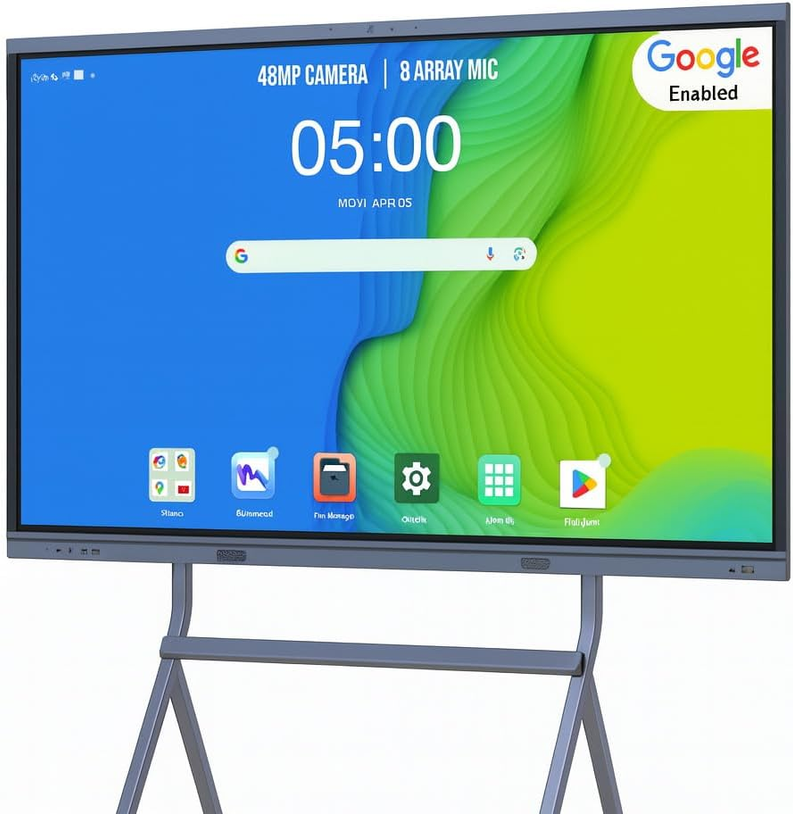
Multi-OS Compatibility
Interactive whiteboards support multiple operating systems:
· Windows (enterprise applications)
· Android (lightweight operations)
· Linux (industrial control systems)
Integrated Software Ecosystem
Software capabilities include:
· Digital annotation
· Cloud collaboration
· Video conferencing integration
· File sharing
Benefits of Interactive Whiteboards for Business and Industry
Enhanced Collaboration
Teams can:
· Annotate documents in real time
· Share ideas visually
· Collaborate across locations
Improved Decision-Making
Real-time visualization of data enables faster and more informed decisions.
Operational Efficiency
Interactive whiteboards reduce:
· Meeting time
· Communication errors
· Dependency on physical materials
Cost Reduction
Over time, businesses save on:
· Printing
· Travel
· Equipment redundancy
Interactive Whiteboard Use Cases Across Industries
Interactive whiteboards are used across a wide range of industries, each with unique requirements.
Manufacturing & Industrial Automation
· Production monitoring
· SCADA visualization
· Maintenance coordination
Corporate Offices
· Meeting rooms
· Strategy planning
· Remote collaboration
Education & Training
· Interactive learning
· Simulation-based training
Healthcare
· Medical collaboration
· Patient data visualization
Retail & Digital Signage
· Interactive customer engagement
· Product presentations
👉 Explore detailed applications:Interactive Whiteboard Use Cases by Industry
How to Choose the Right Interactive Whiteboard
Selecting the right solution requires evaluating multiple technical and operational factors.
👉 Full guide:How to Choose an Interactive Whiteboard
Screen Size and Aspect Ratio
Common sizes:
· 55” – Small meeting rooms
· 65”–75” – Standard conference rooms
· 86”+ – Large spaces / industrial use
Resolution and Brightness
· Minimum: 1080p
· Recommended: 4K
· Brightness: 350–1000 nits (depending on environment)
Touch Technology
|
Type |
Advantage |
Use Case |
|
Capacitive |
High precision |
Corporate |
|
Infrared |
Cost-effective |
Industrial |
Connectivity Options
Essential ports:
· HDMI
· USB
· Type-C
· LAN
· RS232 (industrial control)
Mounting and Installation
Options include:
· Wall-mounted
· Mobile stand
· Embedded integration
Environmental Considerations
For industrial use:
· Wide temperature range
· Dustproof and waterproof design
· Anti-glare coating
Interactive Whiteboard Comparisons
Understanding alternatives is crucial for making the right investment.
Interactive Whiteboard vs Traditional Whiteboard
👉 Full comparison:Interactive Whiteboard vs Traditional Whiteboard
Key Differences:
|
Feature |
Interactive |
Traditional |
|
Interactivity |
High |
None |
|
Data Storage |
Yes |
No |
|
Collaboration |
Remote + local |
Local only |
Interactive Whiteboard vs Touchscreen Display
👉 Full comparison:Interactive Whiteboard vs Touchscreen Display
Key Differences:
|
Feature |
Interactive Whiteboard |
Touchscreen Display |
|
Software |
Built-in |
External required |
|
Collaboration |
Advanced |
Basic |
|
Use Case |
Meetings |
Display only |
Interactive Whiteboard Solutions for Businesses
Businesses require more than just hardware—they need complete solutions.
👉 Explore solutions:Interactive Whiteboard Solutions for Business
Turnkey Solutions
Includes:
· Hardware
· Software
· Installation
· Training
Customization Options
· Screen size
· Branding
· OS integration
· Interface configuration
Industry-Specific Solutions
· Industrial HMI integration
· Smart meeting rooms
· Training centers
System Integration
Integration with:
· ERP systems
· MES systems
· Video conferencing tools
Common Problems and Troubleshooting
Even advanced systems may encounter issues.
👉 Troubleshooting guide:Interactive Whiteboard Troubleshooting Guide
Common Issues
· Touch not responding
· Calibration errors
· Signal loss
· Software lag
Preventive Maintenance
· Regular calibration
· Firmware updates
· Cleaning touch surfaces
When to Repair vs Replace
Consider:
· Age of system
· Repair cost
· Performance requirements
Future Trends in Interactive Whiteboards
AI Integration
· Smart meeting assistants
· Automated note-taking
IoT Connectivity
· Real-time device communication
· Smart factory integration
Cloud Collaboration
· Global teamwork
· Remote operations
Industry 4.0 Applications
· Data-driven manufacturing
· Digital twin visualization
Conclusion: Why Interactive Whiteboards Are a Strategic Investment
Interactive whiteboards are no longer optional—they are becoming essential infrastructure for modern businesses and industrial environments.
They enable:
· Faster collaboration
· Better decision-making
· Seamless integration
· Long-term cost savings
For buyers, the key is not just selecting a product—but choosing a scalable, customizable solution aligned with your operational goals.


Leave a comment