




H1: Interactive Whiteboard Solutions for Business: Complete Company Deployment Guide
For modern businesses, purchasing an interactive whiteboard is no longer just about hardware—it’s about implementing a complete solution that integrates seamlessly into workflows, enhances collaboration, and delivers measurable ROI.
Whether you are a system integrator, enterprise buyer, or industrial solution provider, the key question is:
“How do we deploy interactive whiteboards effectively across our organization?”
This guide provides a comprehensive, solution-oriented approach—covering customization, integration, deployment, and industry-specific solutions.
👉 For the full ecosystem overview, visit the
interactive whiteboard guide:The Complete Guide to Interactive Whiteboards for Business and Industrial Applications
What Is an Interactive Whiteboard Solution?
An interactive whiteboard solution is a fully integrated system, including:
· Hardware (display, touch panel)
· Software (collaboration tools, OS)
· Connectivity (network, wireless sharing)
· Installation and support
Product vs Solution
Product:
· Standalone device
· Limited functionality
Solution:
· Tailored to business needs
· Integrated with existing systems
· Scalable and future-proof
Why Company Buyers Need Solutions
Businesses require:
· Workflow integration
· Industry-specific features
· Long-term reliability
Core Components of a Business Solution
Hardware Layer
Includes:
· Interactive display (55”–98”)
· Touch technology (IR, capacitive)
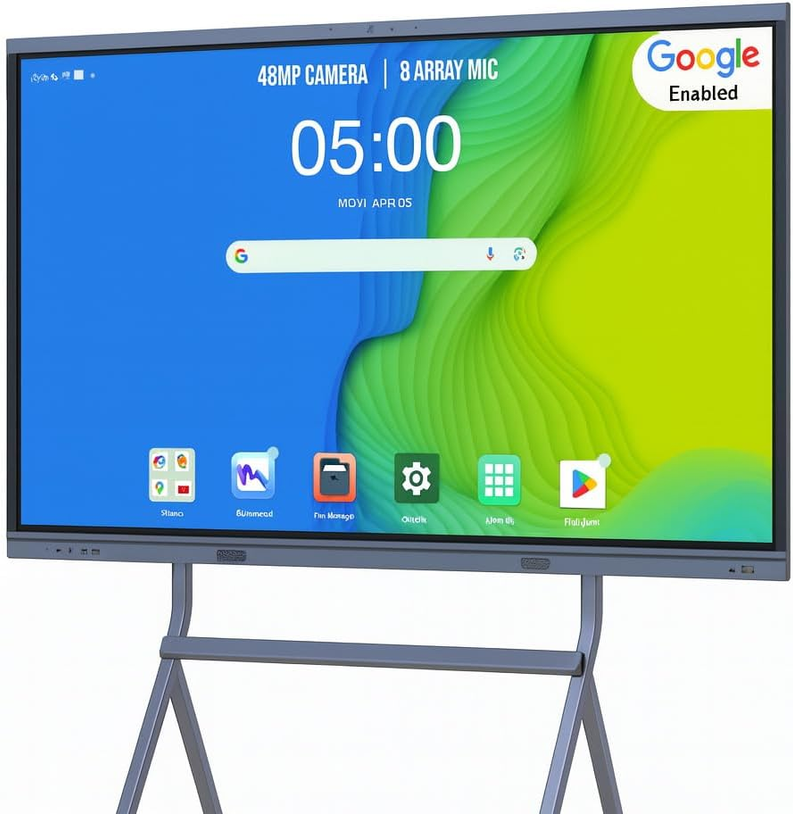
· Embedded computing system
Software Layer
· Annotation tools
· Collaboration platforms
· Video conferencing integration
Network and Connectivity
· LAN/Wi-Fi integration
· Cloud connectivity
· Remote access
Service Layer
· Installation
· Training
· Maintenance
· Technical support
Customization Options for Company Applications
Customization is critical for aligning the solution with business requirements.
Hardware Customization
Screen Size and Design
· 55”–65” for small rooms
· 75”–98” for large spaces
· Custom enclosures for industrial use
Touch Technology
· IR for rugged environments
· Capacitive for precision
Brightness and Display
· Standard (350–500 nits)
· High brightness (1000+ nits for outdoor use)
Software Customization
Operating System
· Android
· Windows
· Dual OS
Application Integration
· ERP systems
· MES systems
· CRM platforms
UI/UX Customization
· Branded interface
· Custom dashboards
Interface Customization
Standard Ports
· HDMI
· USB
· Type-C
Industrial Interfaces
· RS232
· RS485
· GPIO
Industry-Specific Interactive Whiteboard Solutions
Manufacturing and Industrial Solutions
Applications:
· Production monitoring
· SCADA integration
· Maintenance coordination
Key Features:
· Rugged design
· Wide temperature support
· Anti-glare display
Corporate and Enterprise Solutions
Applications:
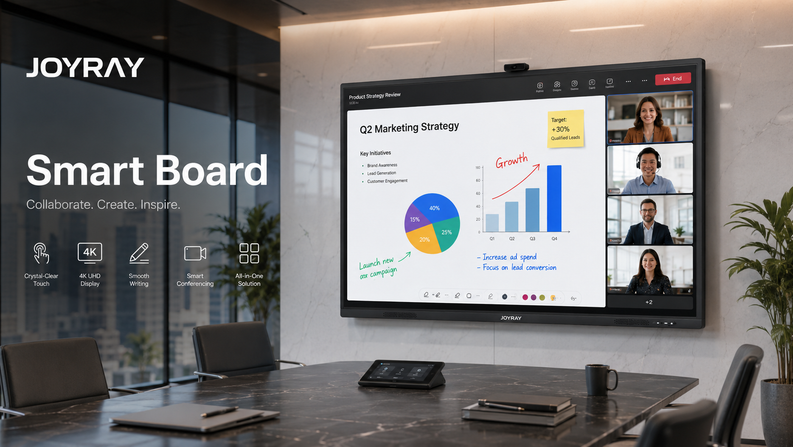
· Meeting rooms
· Collaboration spaces
· Executive boardrooms
Key Features:
· Wireless sharing
· Video conferencing
· Cloud collaboration
Education and Training Solutions
Applications:
· Classrooms
· Training centers
· Simulation labs
Healthcare Solutions
Applications:
· Medical collaboration
· Training
· Telemedicine
Retail and Customer Experience Solutions
Applications:
· Interactive displays
· Product presentations
· Digital signage
👉 Explore real-world applications:Interactive Whiteboard Use Cases by Industry
Integration with Existing Systems
Integration is one of the most critical aspects of a successful deployment.
Enterprise Systems
· ERP (Enterprise Resource Planning)
· CRM (Customer Relationship Management)
· Project management tools
Industrial Systems
· SCADA
· MES
· PLC interfaces
Collaboration Platforms
· Microsoft Teams
· Zoom
· Google Meet
Cloud Platforms
· AWS
· Azure
· Private cloud
Deployment Models
Single-Site Deployment
· Small businesses
· Single office
Multi-Site Deployment
· Enterprises with multiple locations
· Standardized systems
Cloud-Based Deployment
· Centralized management
· Remote updates
Hybrid Deployment
· Combination of on-premise and cloud
Installation and Implementation Process
Step 1 – Requirement Analysis
· Identify use cases
· Define technical requirements
Step 2 – Solution Design
· Hardware selection
· Software configuration
Step 3 – Testing and Validation
· Prototype testing
· Compatibility checks
Step 4 – Deployment
· Installation
· System integration
Step 5 – Training and Support
· User training
· Ongoing maintenance
ROI and Business Value
Productivity Gains
· Faster meetings
· Improved workflows
Cost Savings
· Reduced travel
· Lower printing costs
Competitive Advantage
· Modern collaboration tools
· Digital transformation
Common Challenges and How to Overcome Them
Integration Complexity
Solution:
· Work with experienced vendors
User Adoption
Solution:
· Provide training
· Choose user-friendly systems
Budget Constraints
Solution:
· Focus on ROI
· Consider phased deployment
When to Choose a Custom Solution
Ideal Scenarios
· Industrial environments
· Large enterprises
· Specialized applications
Benefits
· Tailored performance
· Better integration
· Long-term scalability
How to Choose the Right Solution Provider
Key Criteria
· Industry experience
· Customization capabilities
· Technical support
· Product quality
Questions to Ask Vendors
· Can you customize hardware/software?
· Do you provide integration support?
· What is your warranty policy?
Future Trends in Business Solutions
AI Integration
· Smart meetings
· Automated insights
IoT and Smart Environments
· Connected devices
· Real-time data
Cloud-Based Collaboration
· Remote teams
· Global operations
Conclusion
Interactive whiteboard solutions are transforming how businesses operate, collaborate, and innovate.
A successful deployment requires:
· The right hardware
· Seamless integration
· Customization
· Strong support
For company organizations, investing in a complete solution—not just a product—is the key to long-term success.


Leave a comment