



For companies with branch offices and separate production and R&D facilities, remote and hybrid work are no longer temporary arrangements but the standard operating model for small and medium-sized enterprises. However, most meeting rooms are still equipped with tools designed for teams working entirely on-site.
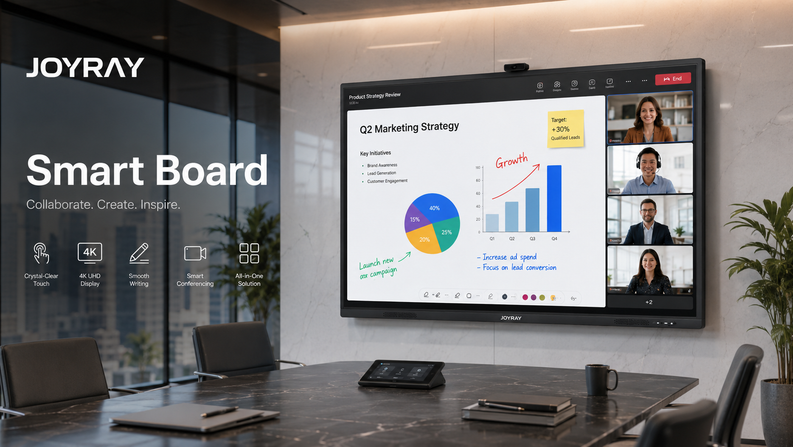
The Joyray digital whiteboard, designed specifically for remote and hybrid teams, bridges the collaboration gap between in-person and remote participants, enabling real-time interaction, visual thinking, and equitable participation through video conferencing, all without complex setup or additional IT maintenance.
As a professional digital whiteboard manufacturer, this guide will explain why hybrid meetings often fail and how digital whiteboards can address these issues at a systemic level.
Why Remote and Hybrid Meetings Often Fail
Our users report that before using digital whiteboards, remote meeting deployments, and hybrid meetings often failed for the following three reasons:
- Remote participants can only watch, not interact
- In-room teams dominate the conversation
- Content is shared passively, not collaboratively
Traditional projectors and displays were never designed for two-way collaboration across locations.
This is why many businesses searching for the best digital whiteboard for small businesses now prioritize hybrid collaboration features over raw screen size.
What Makes Digital Whiteboards Ideal for Hybrid Work?
Digital whiteboards for remote teams differ fundamentally from traditional screen-sharing and camera setups.
Core Capabilities
| Capability | Traditional Setup | Digital Whiteboard |
| Real-time annotation | No | Yes |
| Remote interaction | View only | Full participation |
| Wireless sharing | Limited | Native |
| Content saving | Manual | Automatic |
| Meeting flow | Fragmented | Unified |
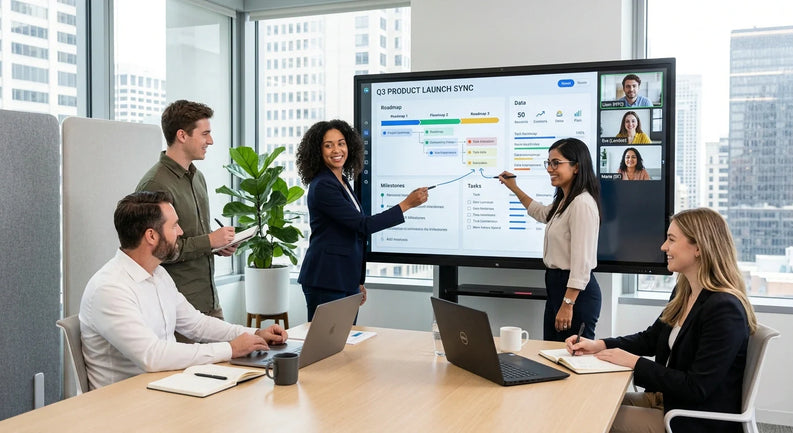
Joyray digital whiteboards allow remote users to write, draw, and comment in real time, creating a shared workspace instead of a one-way presentation.
Digital Whiteboards for Hybrid Brainstorming
Hybrid brainstorming fails when ideas are locked to the physical room.
With a digital whiteboard:
- In-room participants write directly on the display
- Remote participants annotate simultaneously
- Ideas are saved, exported, and reused
This makes digital whiteboards for brainstorming and project planning especially valuable for distributed product, sales, and operations teams.
For teams comparing collaboration tools, see our analysis of
digital whiteboard software vs interactive display.
Seamless Integration with Zoom and Microsoft Teams
For small and medium-sized enterprises, the collaboration between production factories and R&D departments can only be effective when integrated with existing workflows.
Joyray's professional digital whiteboards are designed as meeting endpoints, not accessories.
Key Integration Features
- Native Zoom Rooms / Microsoft Teams Rooms support
- Built-in wireless screen sharing
- Optional OPS Windows computing
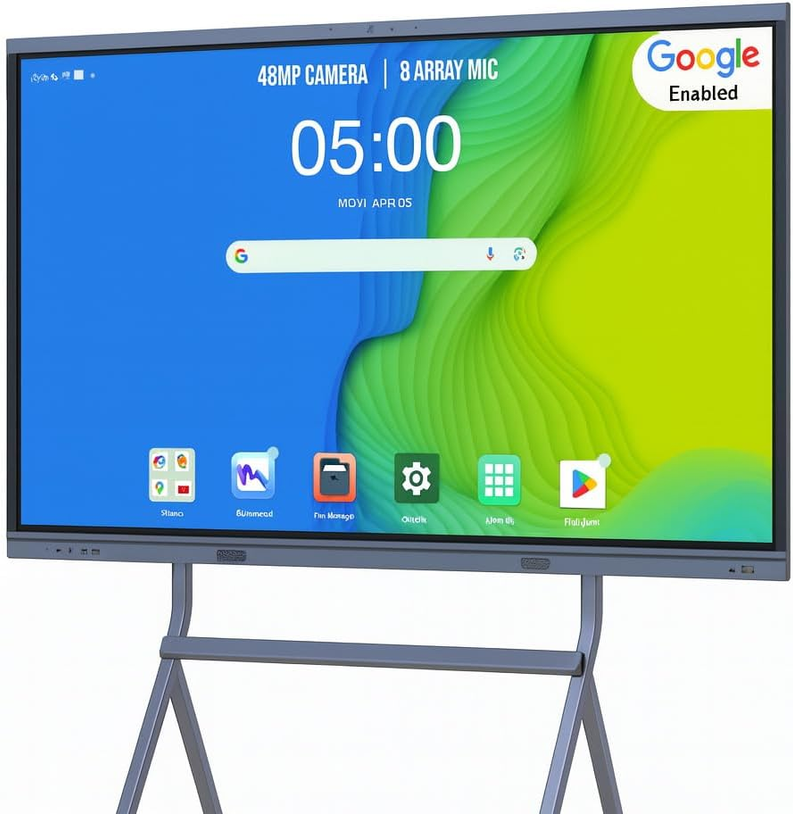
- Camera and microphone expansion support
Choosing a digital whiteboard compatible with Zoom and Microsoft Teams eliminates common problems such as:
- Audio feedback
- Cable switching
- Delayed meeting starts
For technical details, see
digital whiteboard compatible with Zoom and Microsoft Teams.
Digital Whiteboards Reduce Meeting Setup Time
One easily overlooked cost of hybrid meetings in different locations is the setup time.
Typical Comparison
| Setup Type | Time to Start Meeting |
| Laptop + cables | 5–10 minutes |
| Projector-based room | 5 minutes |
| Digital whiteboard | < 1 minute |
For small businesses, our Joyray digital whiteboard saves several minutes per meeting, which adds up over time to significantly improve work efficiency.
Why Hybrid Teams Prefer All-in-One Digital Whiteboards
Hybrid teams prefer simplicity.
An all-in-one digital whiteboard consolidates:
- Display
- Touch interaction
- Wireless sharing
- Whiteboard software
- Optional video conferencing
This reduces:
- Points of failure
- Training requirements
- IT support needs
Learn more about system design differences in
conference all-in-one device vs digital whiteboard.
Reliability Matters More in Hybrid Environments
Hybrid work increases device usage and exposure to failure.
As a manufacturer, Joyray has specifically designed our digital whiteboards with the following features:
- Long daily operating hours
- Continuous touch interaction
- Stable thermal performance
Reliability Design Principles
- Fanless cooling (no dust ingress, no noise)
- DDR5 memory, solid-state storage
- Commercial-grade LCD panels from AUO, BOE, etc.
These factors ensure consistent performance in remote-first and hybrid-first teams.
FAQ: Digital Whiteboards for Remote & Hybrid Teams
How do digital whiteboards improve hybrid meetings?
They allow both in-room and remote participants to interact with content in real time, rather than relying on one-way screen sharing.
Can remote users write on a digital whiteboard?
Yes. Remote participants can annotate, draw, and collaborate live through supported conferencing or whiteboard software.
Are digital whiteboards difficult to deploy for hybrid teams?
No. Most professional digital whiteboards are plug-and-play and integrate with existing meeting platforms.
Do small businesses really need digital whiteboards for hybrid work?
If teams collaborate visually, brainstorm, or train remotely, digital whiteboards significantly improve meeting effectiveness and engagement.
Final Takeaway
Hybrid meetings fail when tools treat remote participants as observers.
A digital whiteboard for remote and hybrid teams creates a shared workspace where everyone can contribute equally.
This page supports our broader guide on choosing the
best digital whiteboard for small business
and complements our content on pricing, collaboration, and software comparison.

Leave a comment