


Interactive Whiteboard vs Touchscreen Display: What’s the Difference and Which Should You Choose?
As businesses modernize their collaboration environments, two technologies often come into consideration:
· Interactive Whiteboards (IWBs)
· Touchscreen Displays
At first glance, they may look similar—large touch-enabled screens mounted in meeting rooms or industrial settings. However, their capabilities, purpose, and value proposition differ significantly.
For company buyers, choosing the wrong solution can lead to underutilization, integration challenges, and wasted investment.
This guide provides a deep, technical, and business-focused comparison to help you make the right decision.
👉 For the full ecosystem overview, visit the
interactive whiteboard guide:The Complete Guide to Interactive Whiteboards for Business and Industrial Applications
What Is an Interactive Whiteboard?
👉 Learn more:What is an Interactive Whiteboard?
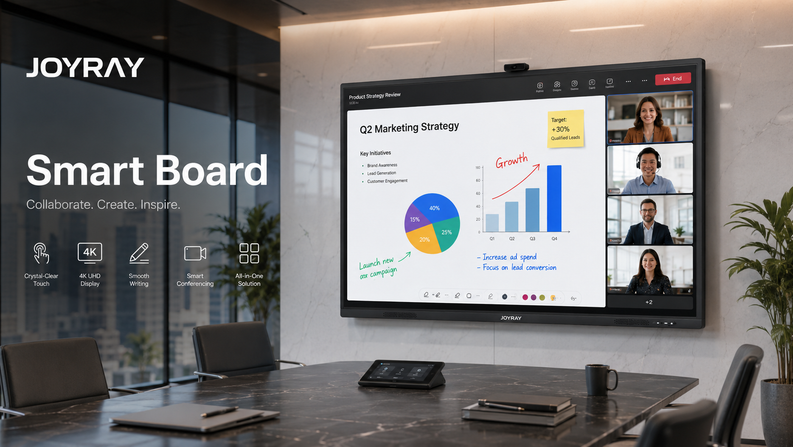
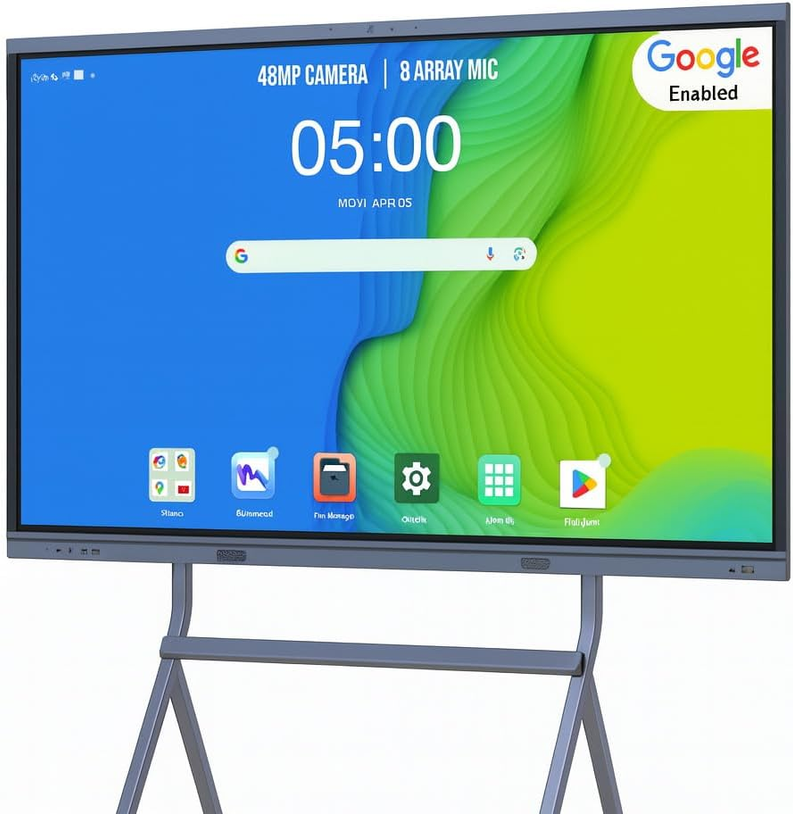
An interactive whiteboard is a complete collaboration system that integrates:
· Touch-enabled display
· Built-in operating system
· Collaboration software
· Wireless sharing capabilities
It is designed for real-time interaction, communication, and productivity.
What Is a Touchscreen Display?
👉 Learn more:Touchscreen Displays: The Complete Industrial & OEM Buyer’s Guide
A touchscreen display is a hardware-focused device that provides touch input functionality but typically lacks built-in collaboration tools.
Key Characteristics
· Touch-enabled screen
· Requires external PC or media player
· Limited built-in software
· Primarily used for display or control
Common Applications
· Digital signage
· Kiosks
· Industrial control panels
· POS systems
Core Differences at a Glance
|
Feature |
Interactive Whiteboard |
Touchscreen Display |
|
System Type |
All-in-one solution |
Hardware component |
|
Built-in OS |
Yes |
Usually no |
|
Collaboration Tools |
Advanced |
Limited |
|
Software Ecosystem |
Integrated |
External required |
|
Primary Use |
Meetings & collaboration |
Display & interaction |
Hardware Comparison
Display Technology
Both may use:
· LCD / LED panels
· 4K resolution
However:
· IWBs are optimized for collaboration clarity
· Touchscreens are optimized for display performance
Touch Technology
Both support:
· Infrared touch
· Capacitive touch
But IWBs often provide:
· Better multi-touch performance
· Lower latency
· Higher accuracy for writing
Built-in Components
Interactive Whiteboard:
· CPU
· RAM
· Storage
· Speakers
· Camera (optional)
Touchscreen Display:
· Minimal internal components
· Requires external systems
Software and System Capabilities
Built-in Operating System
Interactive Whiteboard:
· Android / Windows / dual OS
· Standalone operation
Touchscreen Display:
· No OS (in most cases)
· Requires external PC
Collaboration Software
Interactive Whiteboard:
Includes:
· Digital whiteboarding
· Annotation tools
· Screen sharing
· Video conferencing
Touchscreen Display:
· No native collaboration tools
· Depends on external software
App Ecosystem
Interactive whiteboards support:
· Office apps
· Cloud platforms
· Collaboration tools
Touchscreens rely on:
· Connected devices
Use Case Comparison
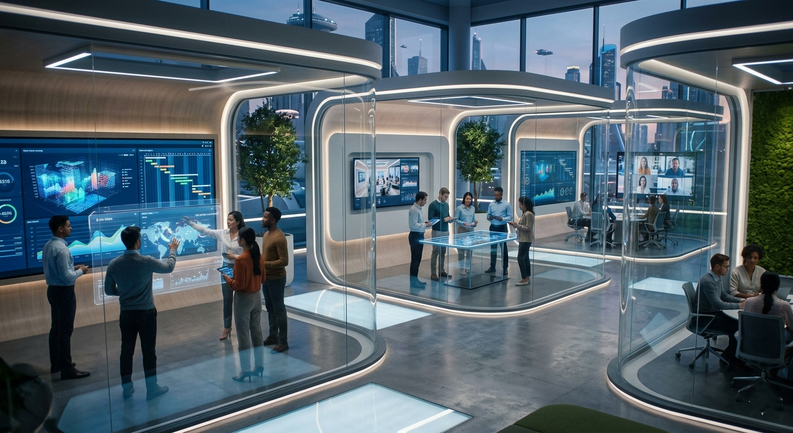
Meeting Rooms
Interactive Whiteboard:
✅ Ideal for:
· Brainstorming
· Presentations
· Remote meetings
Touchscreen Display:
❌ Limited functionality
Industrial Environments
Interactive Whiteboard:
· Suitable for control rooms
· Data visualization
· Team coordination
Touchscreen Display:
· Suitable for machine interfaces
· Operator panels
Retail and Public Spaces
Interactive Whiteboard:
· High-end customer engagement
Touchscreen Display:
· Kiosks
· Digital signage
👉 Explore more use cases:Interactive Whiteboard Use Cases by Industry
Collaboration Capabilities
Multi-User Interaction
Interactive whiteboards:
· Support multiple users simultaneously
Touchscreen displays:
· Often limited
Remote Collaboration
Interactive whiteboards enable:
· Video conferencing
· Cloud collaboration
· Real-time sharing
Touchscreen displays:
· Require external systems
Workflow Integration
Interactive whiteboards integrate with:
· Business software
· Cloud systems
Touchscreen displays:
· Limited integration without external devices
Installation and Deployment
Interactive Whiteboard
· Plug-and-play
· Minimal additional hardware
· Faster deployment
Touchscreen Display
Requires:
· External PC
· Software setup
· Additional configuration
Cost Comparison
H3: Initial Investment
|
Type |
Cost |
|
Interactive Whiteboard |
Higher |
|
Touchscreen Display |
Lower |
Hidden Costs
Touchscreen Display:
· External PC
· Software licenses
· Integration costs
Interactive Whiteboard:
· Mostly included
Total Cost of Ownership
Interactive whiteboards often provide better value due to:
· Reduced setup complexity
· Integrated functionality
· Lower long-term costs
ROI and Business Value
Interactive Whiteboard ROI
· Improved collaboration
· Faster decision-making
· Reduced travel
Touchscreen Display ROI
· Effective for single-purpose applications
· Lower upfront cost
When to Choose an Interactive Whiteboard
Choose an IWB if you need:
· Collaboration tools
· Built-in software
· Remote communication
· All-in-one solution
👉 Learn how to choose:How to Choose an Interactive Whiteboard
When to Choose a Touchscreen Display
Choose a touchscreen if you need:
· Simple display functionality
· External system control
· Industrial machine interface
Common Mistakes When Choosing Between the Two
Assuming They Are the Same
They serve fundamentally different purposes.
Ignoring Software Needs
Touchscreens lack built-in collaboration tools.
Underestimating Integration Costs
Touchscreens may require additional investment.
Industry-Specific Recommendations
Corporate Offices
👉 Choose: Interactive Whiteboard
Manufacturing
👉 Depends:
· Control panel → Touchscreen
· Collaboration → IWB
Education & Training
👉 Choose: Interactive Whiteboard
Retail
👉 Depends:
· Engagement → IWB
· Kiosk → Touchscreen
Future Trends
Convergence of Technologies
Touchscreens are evolving to include more software, but IWBs remain ahead in:
· Collaboration
· Integration
AI and Smart Collaboration
Interactive whiteboards will lead in:
· AI-driven meetings
· Smart automation
Final Verdict
Choose Interactive Whiteboard If:
· You need collaboration
· You want an all-in-one solution
· You require remote capabilities
Choose Touchscreen Display If:
· You need a simple interface
· You already have external systems
· You want lower upfront cost
Business Solutions and Customization
👉 Explore solutions:Interactive Whiteboard Solutions for Business
Custom Solutions Include:
· Integrated systems
· Industry-specific configurations
· Scalable deployments
Conclusion
While both technologies have their place, interactive whiteboards clearly outperform touchscreen displays in collaborative environments.
For company organizations, the decision comes down to:
· Purpose
· Integration needs
· Long-term value
Choosing the right solution ensures better performance, higher efficiency, and stronger ROI.


Leave a comment